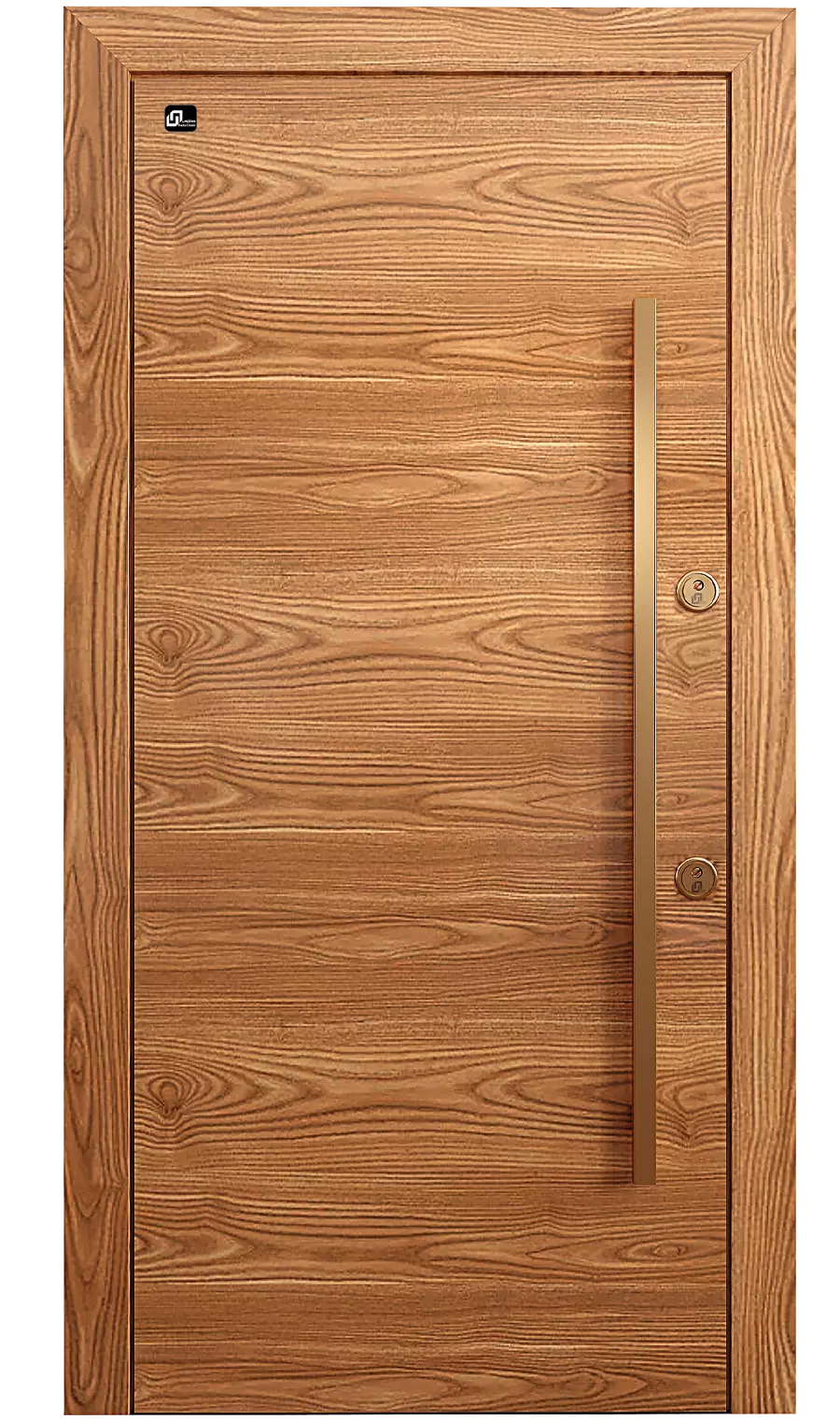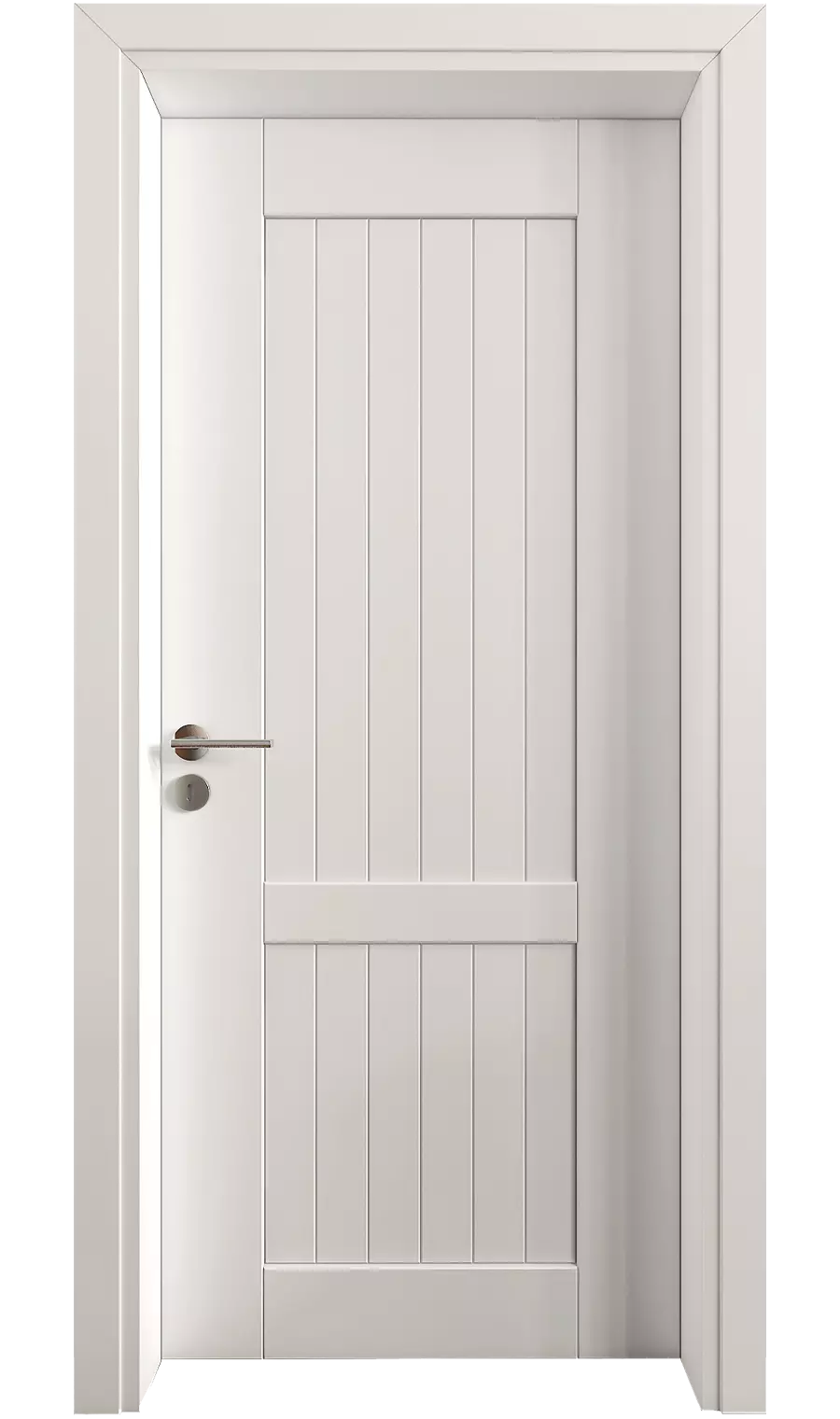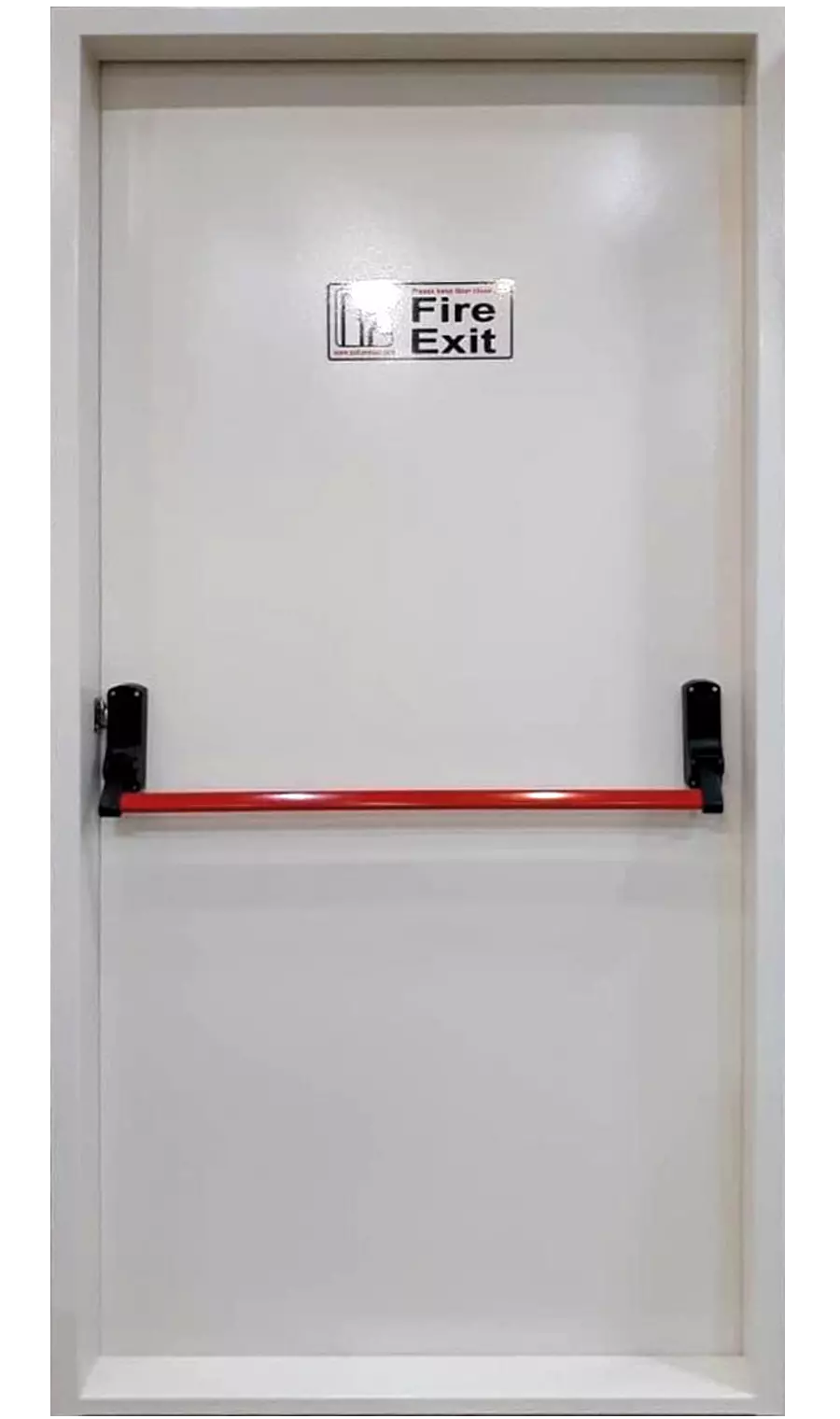
 R-CB100
 R-CG100
 R-CP100
 R-CP101
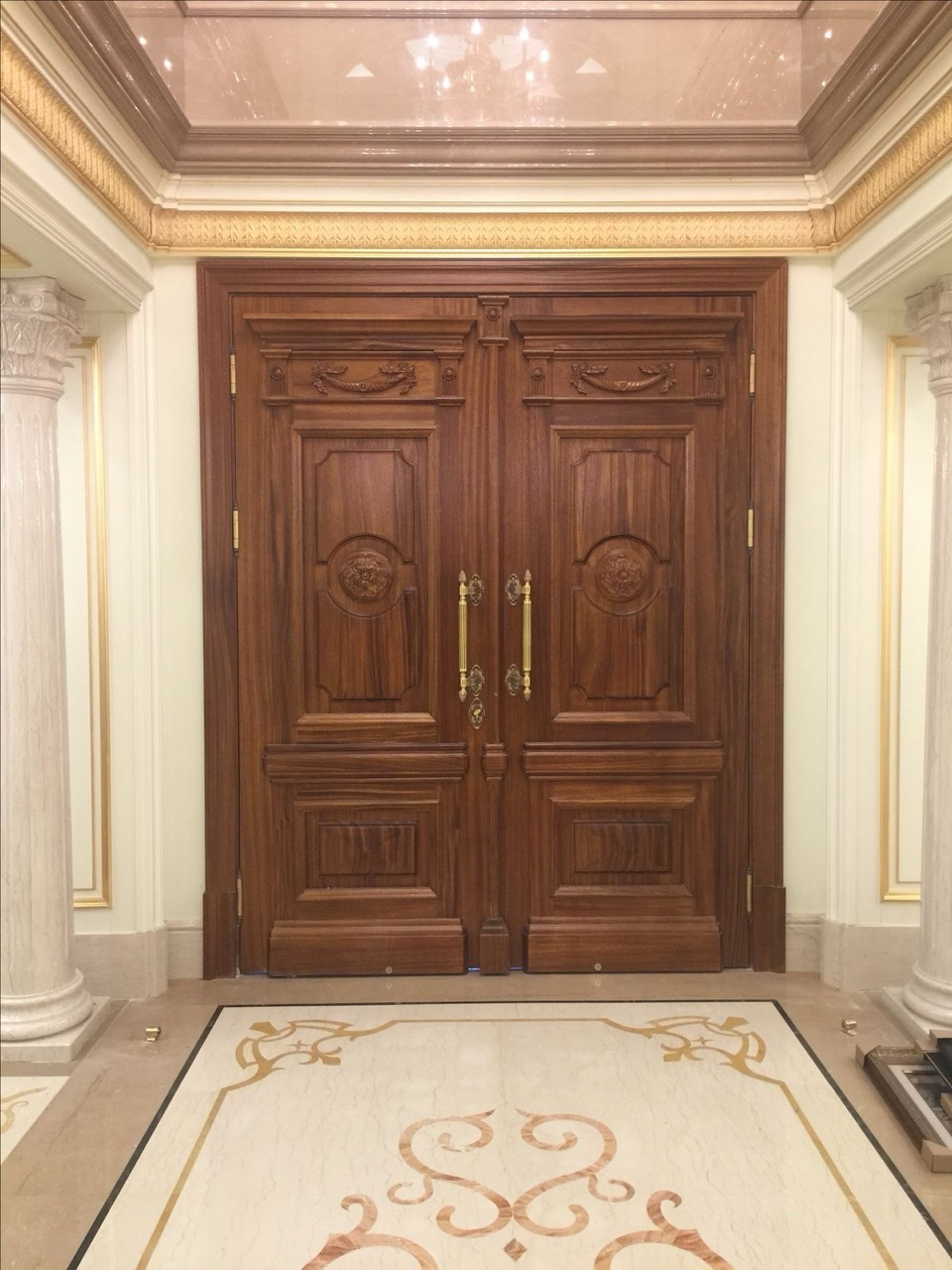
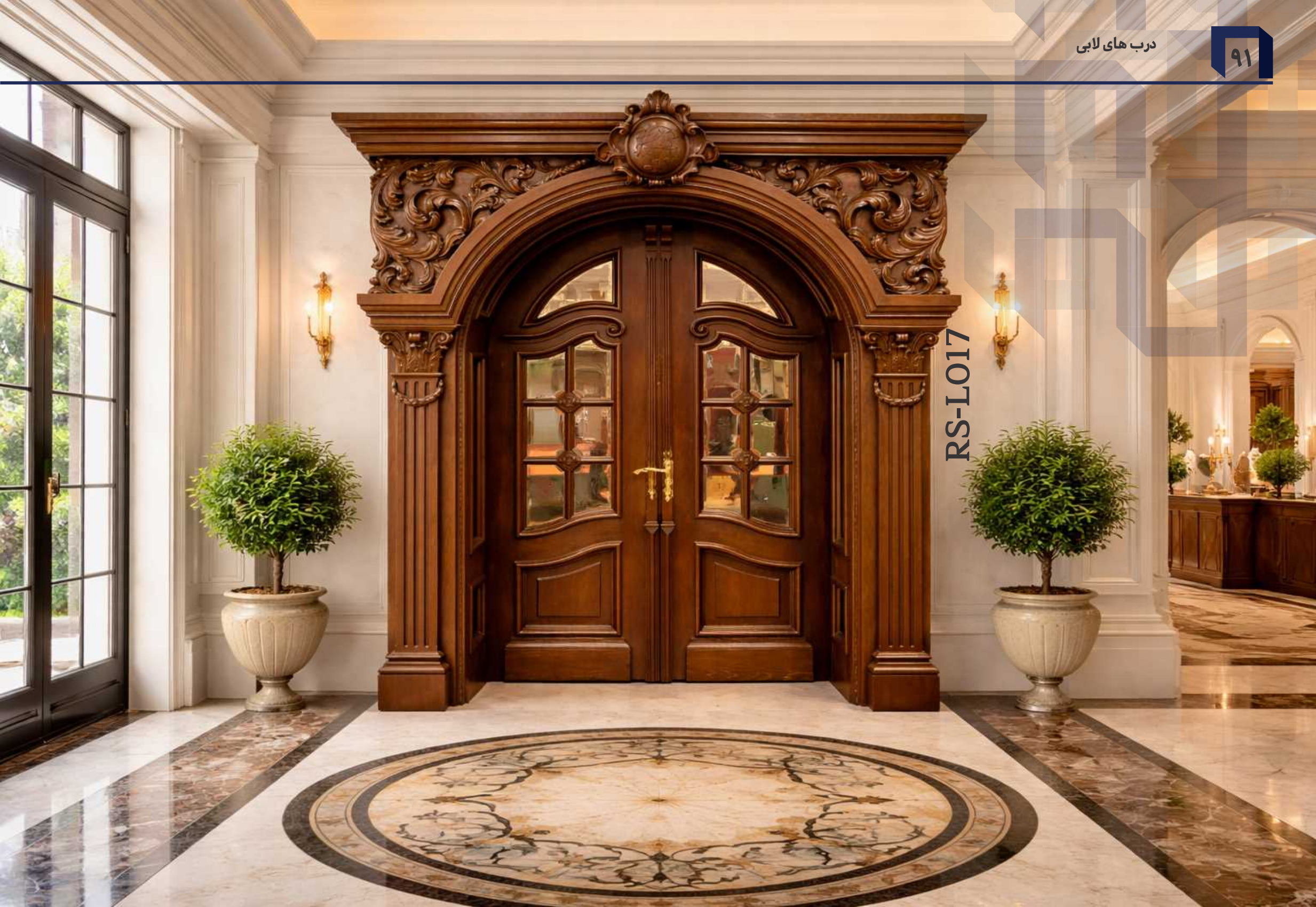
Lobby doors
Wood, framed by architecture
A wooden double door, classical surround and ceiling light come together in a lobby.
Explore all project photographs Rasta ChoobBeauty shines through quality
Beauty shines
through quality
From the first step inside to the details of everyday living.
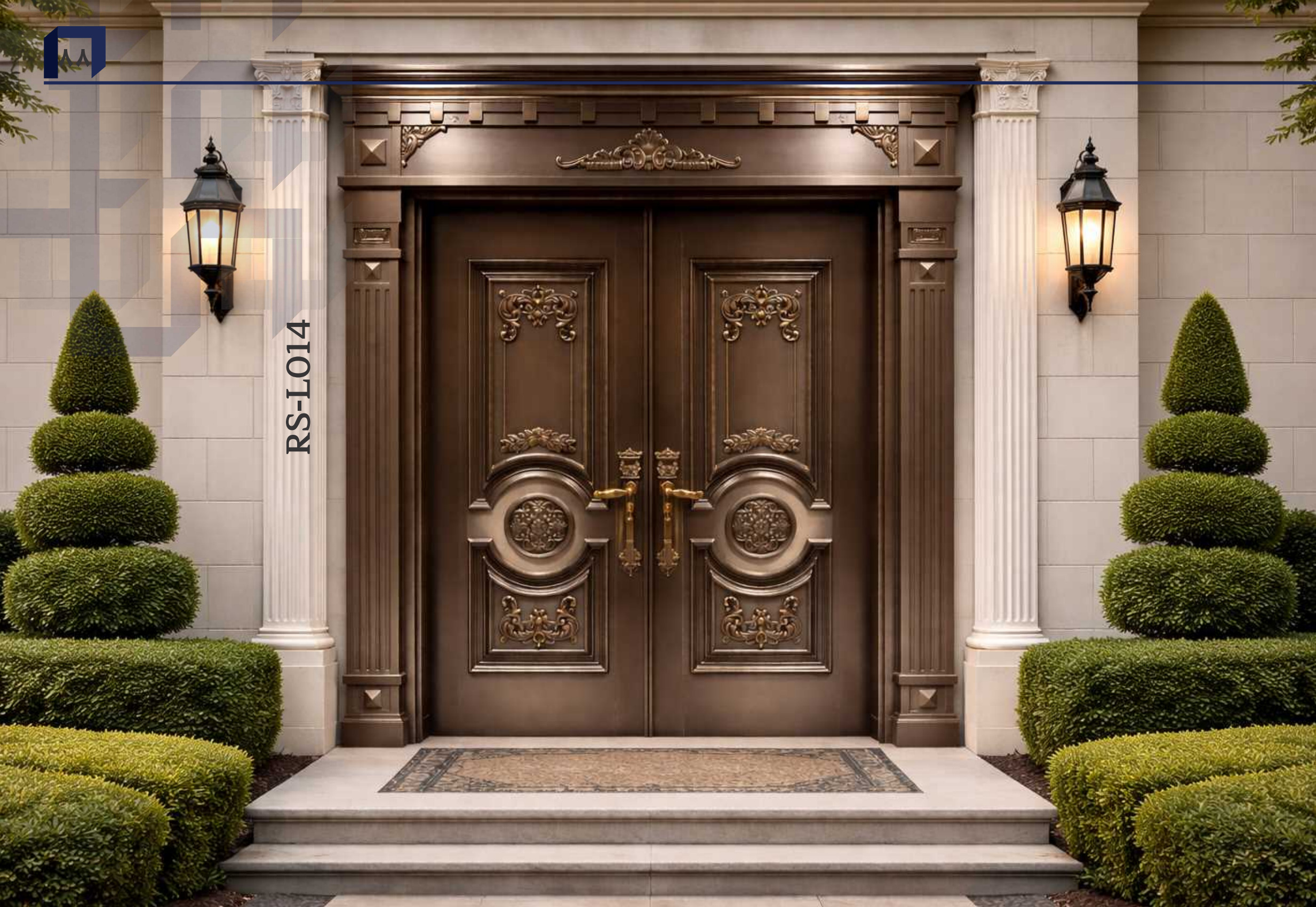
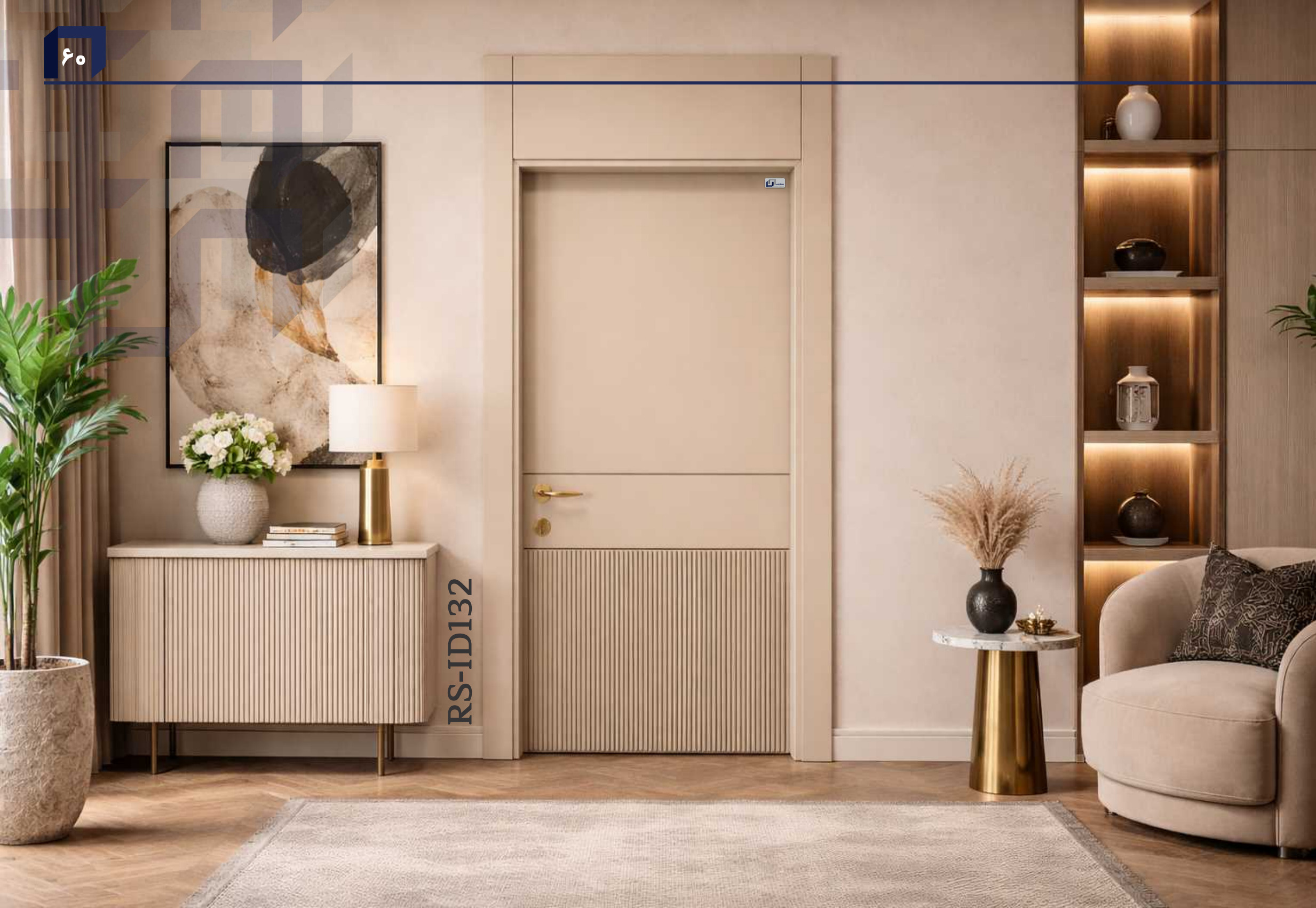
Room settings from the Rasta product catalogue
Choose a door model, preview its colour and veneer on the door, and enter your dimensions. Your complete selection follows you into the basket.
Our experts will call you in less than 10 minutes after you submit your quotation request.
Selected Rasta installations, from quiet interiors to distinctive entrances.
A wooden double door, classical surround and ceiling light come together in a lobby.
Explore all project photographs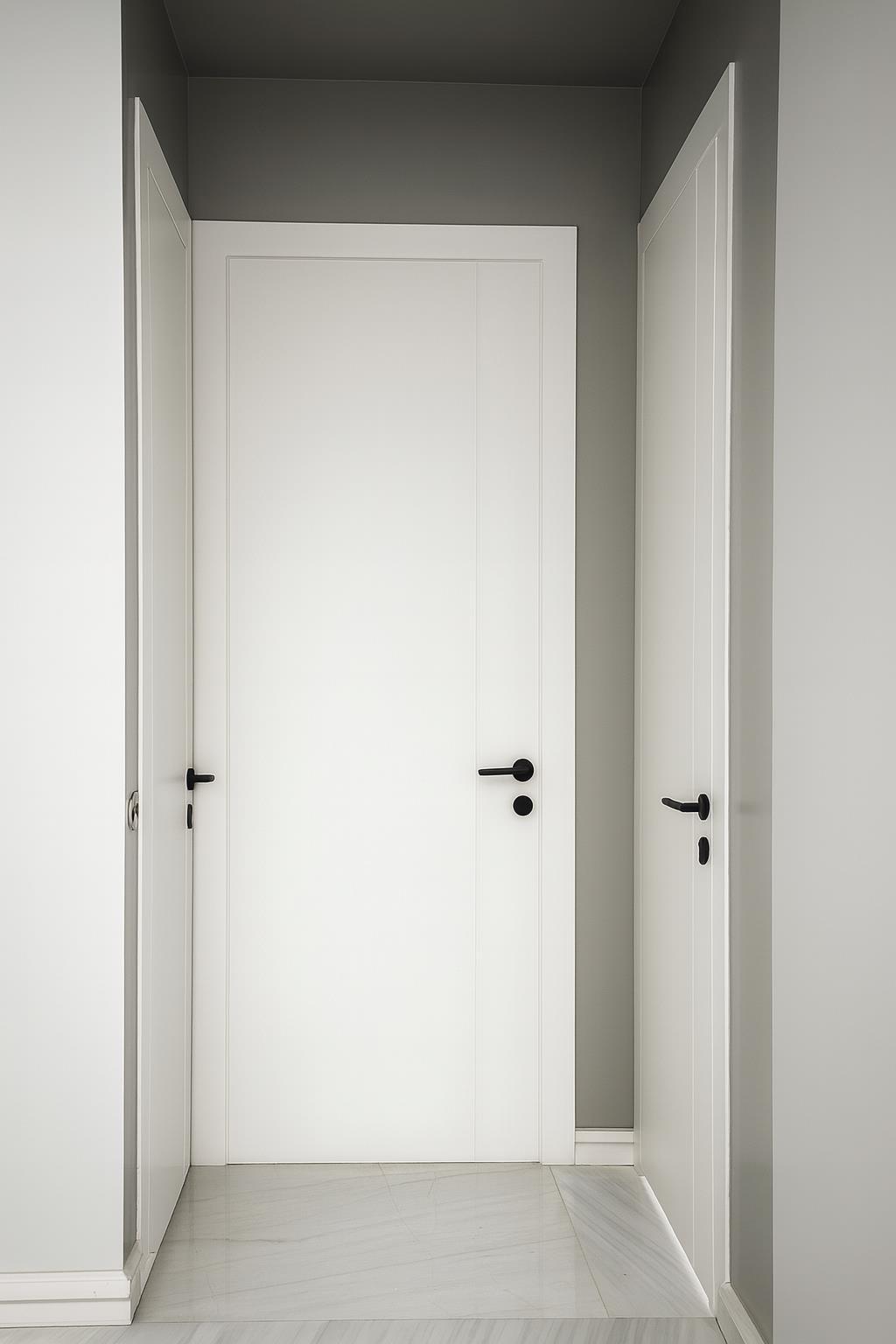
White doors and matching frames within a simple, uncluttered interior.
Explore all project photographs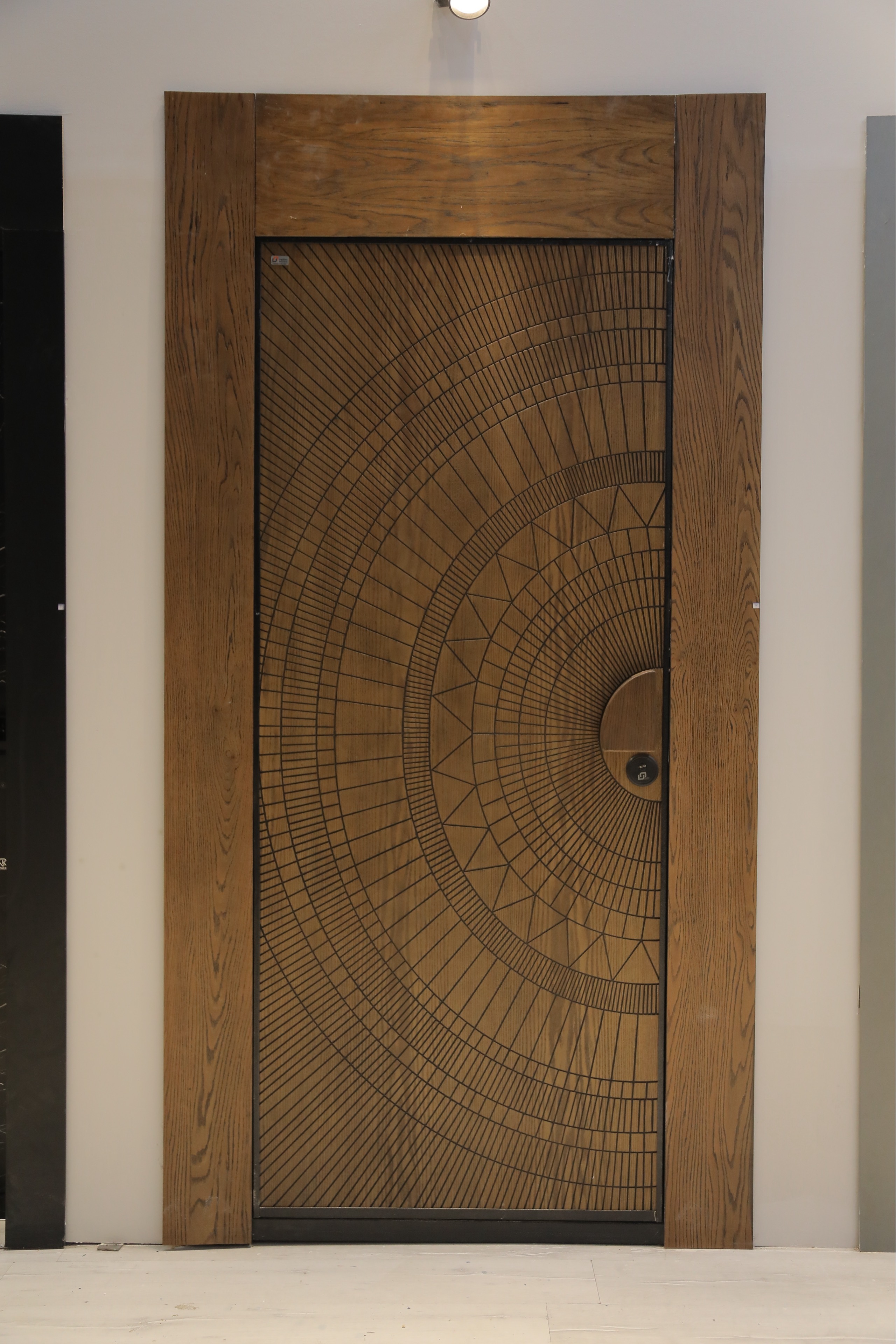
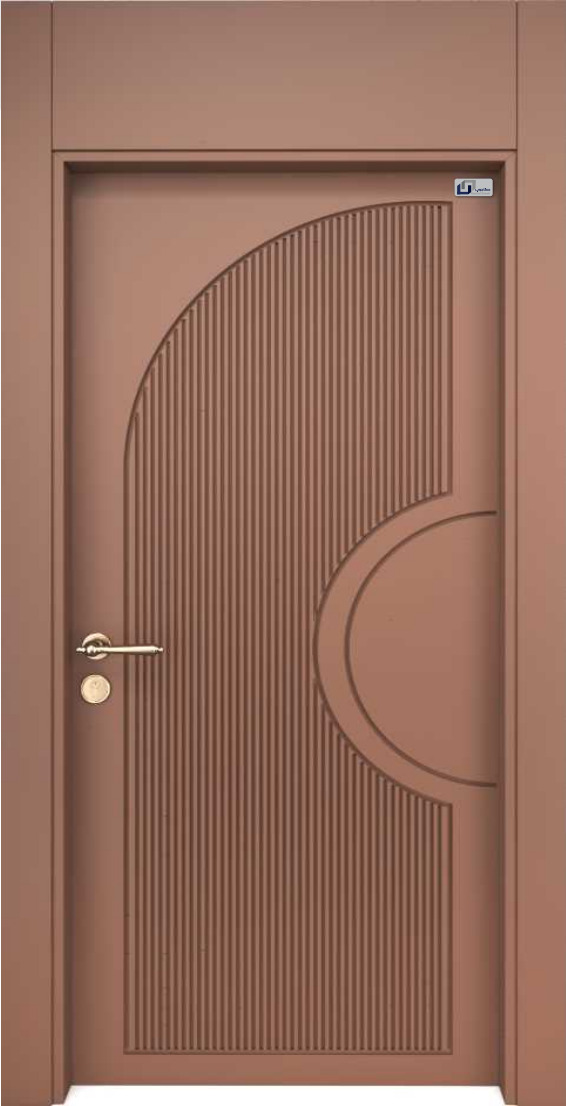
A circular pattern on the wooden door, alongside a broad frame and a light wall.
Explore all project photographs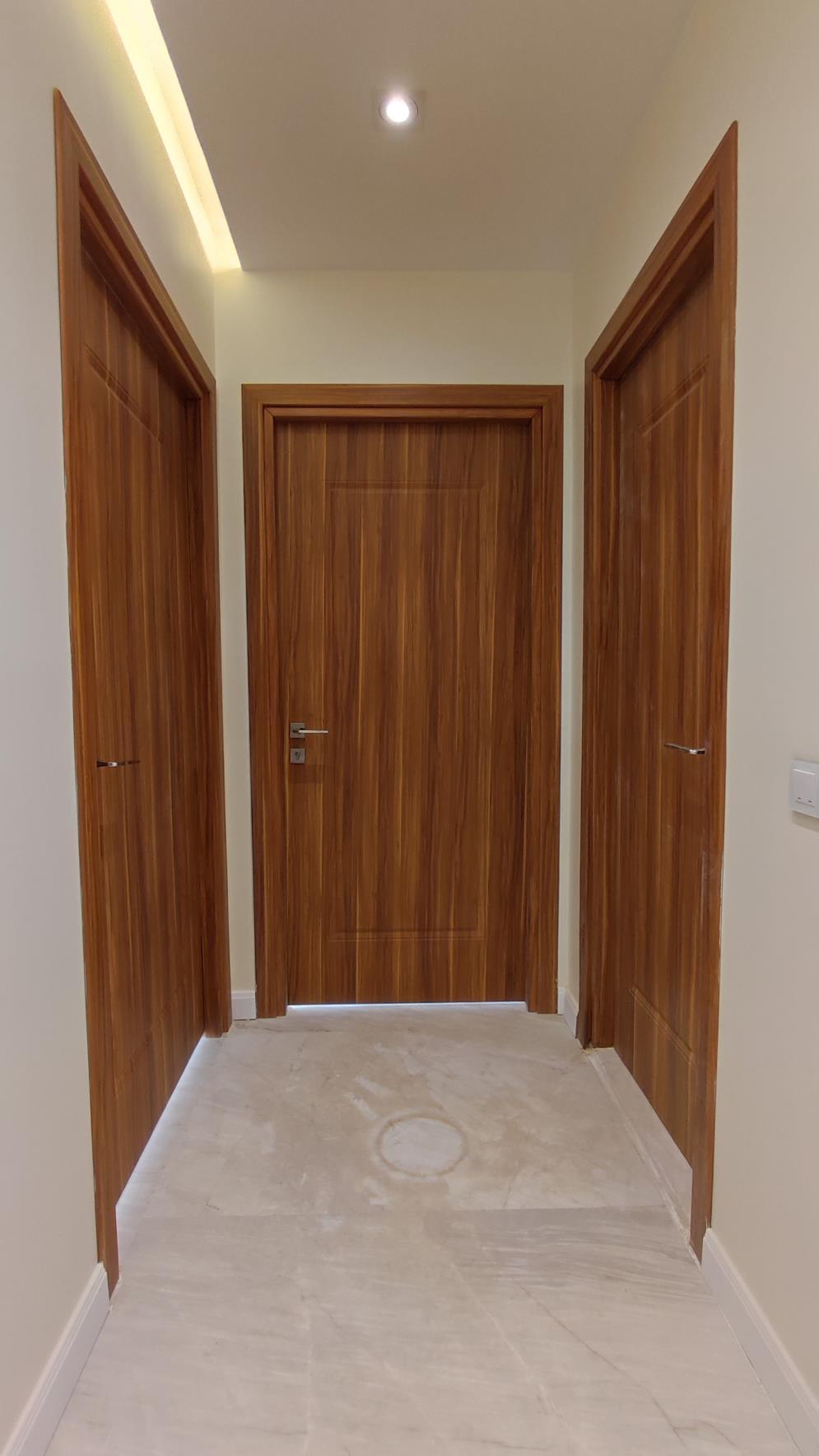
Coordinated wooden doors and frames along a corridor with ceiling lighting.
Explore all project photographs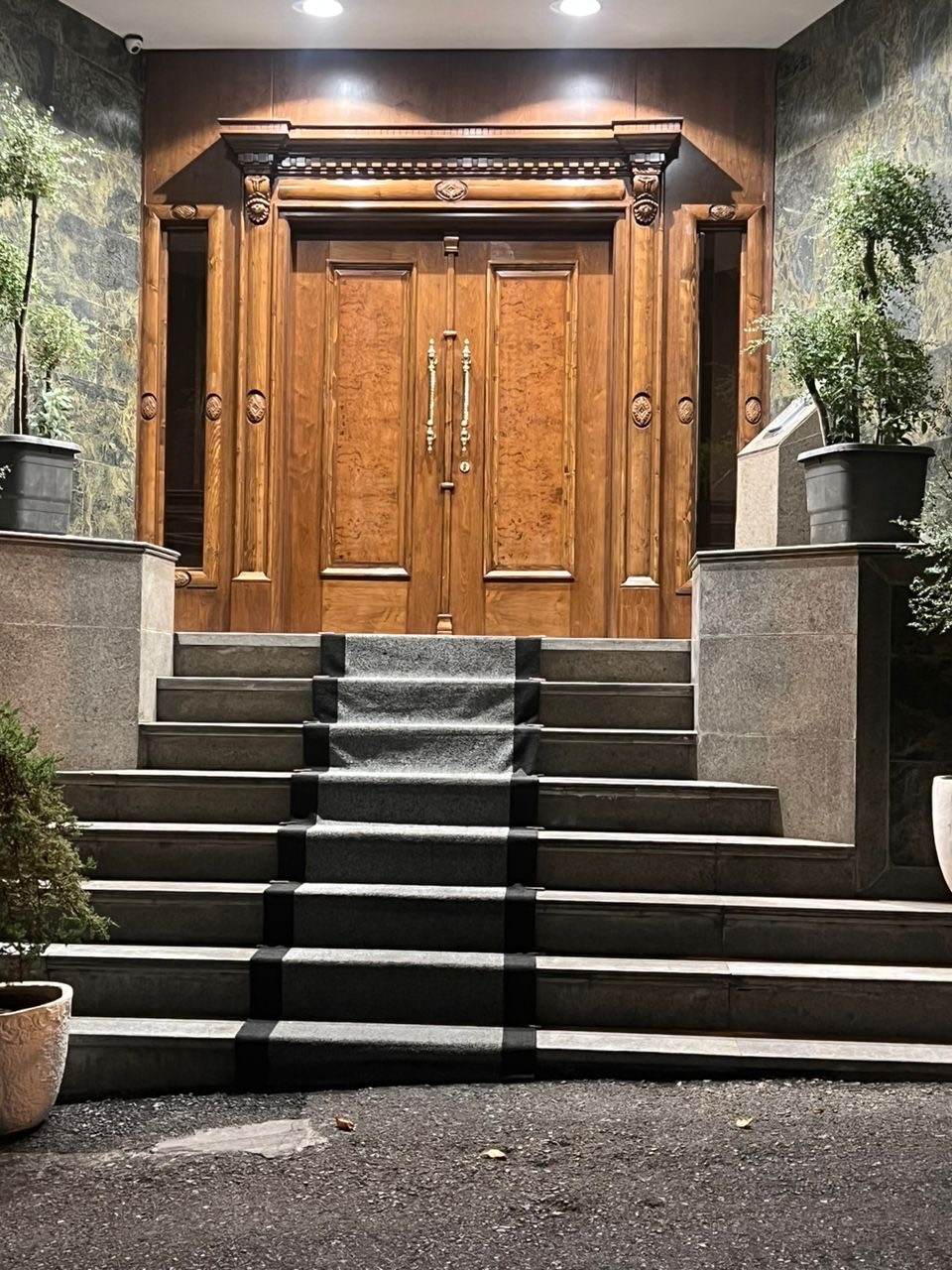
A wooden entrance and frame set among stone steps and walls.
Explore all project photographs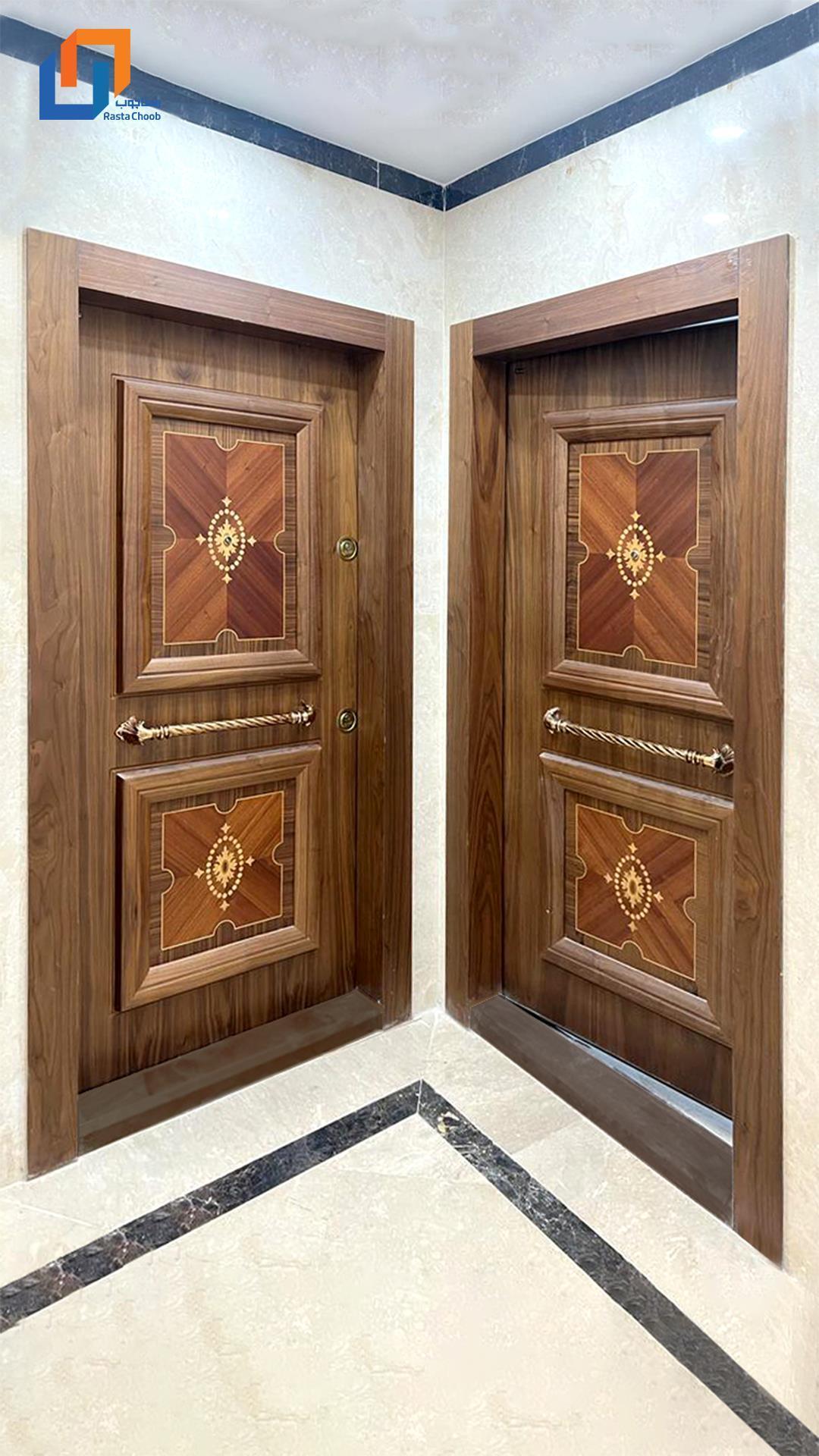
Two decorative wooden doors and their frames alongside stone floors and walls.
Explore all project photographsFive collections for entrances, interiors and kitchens.
Choose your door, preview its colour and finish, then complete your order details.
Clean lines or classic details. Find cabinetry that belongs in your home.
Explore 16 cabinet designs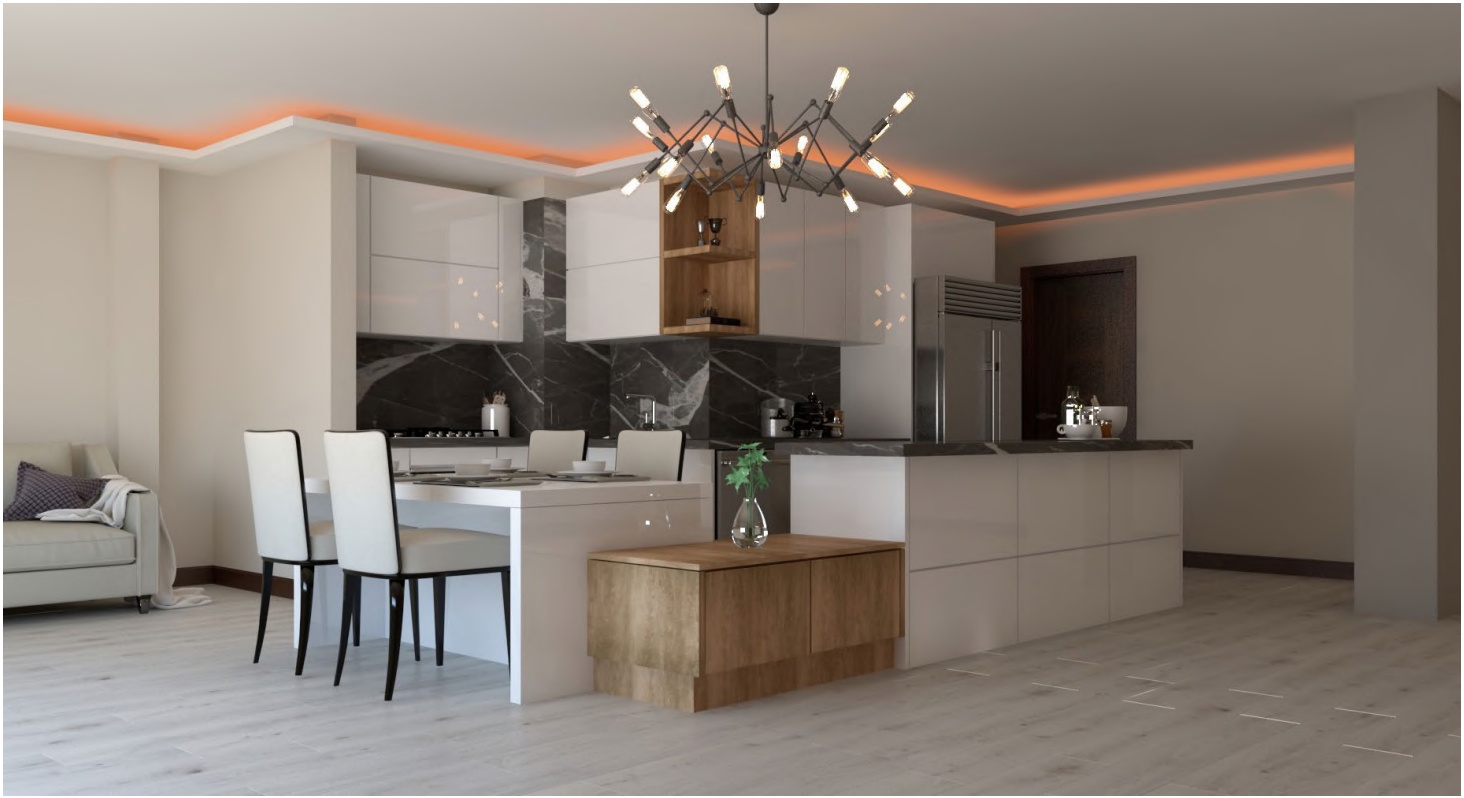
Explore the original catalogue construction diagrams, from the frame and core to the facing and insulation.
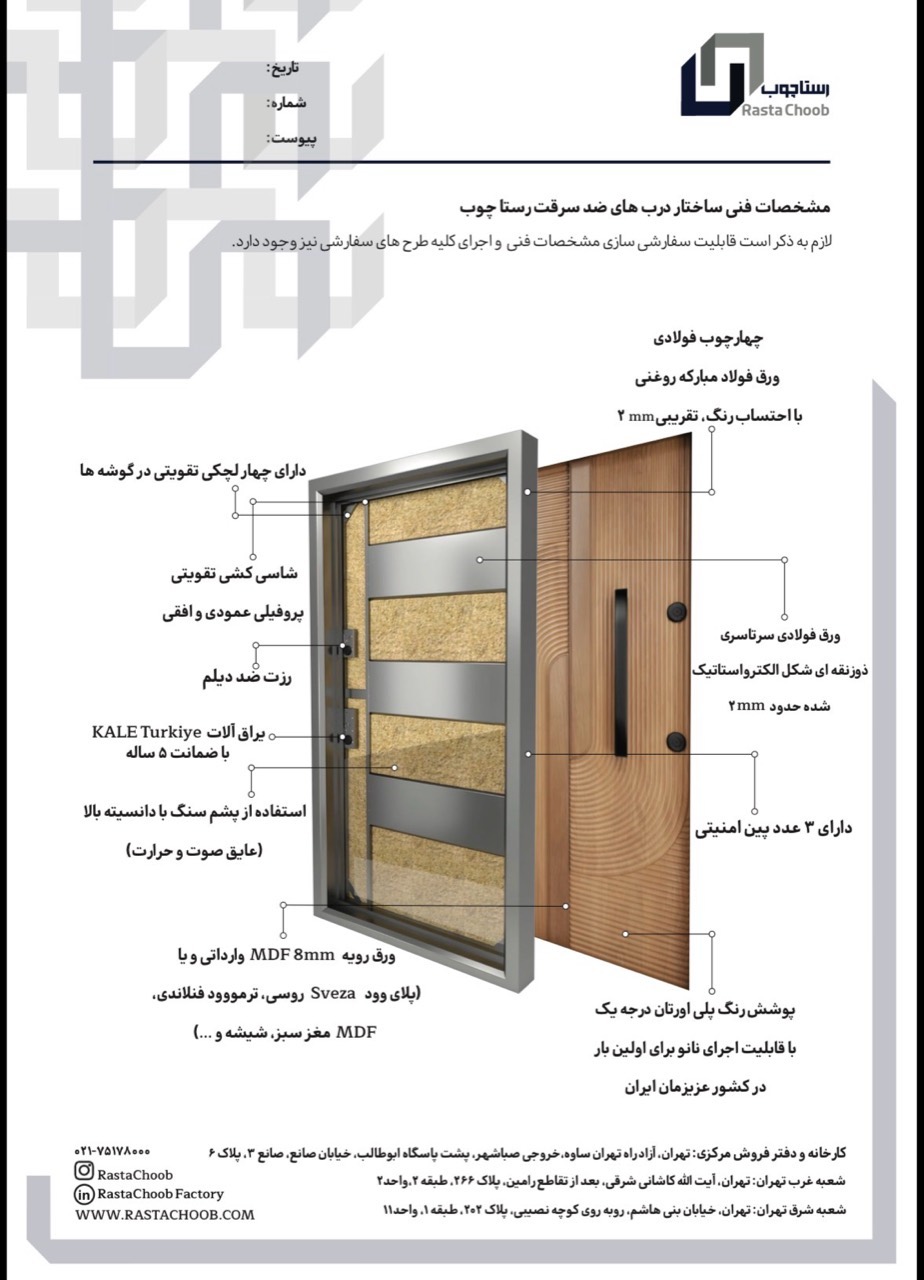
The frame, steel reinforcement and internal layers, together in Rasta’s original technical illustration.
Explore construction and components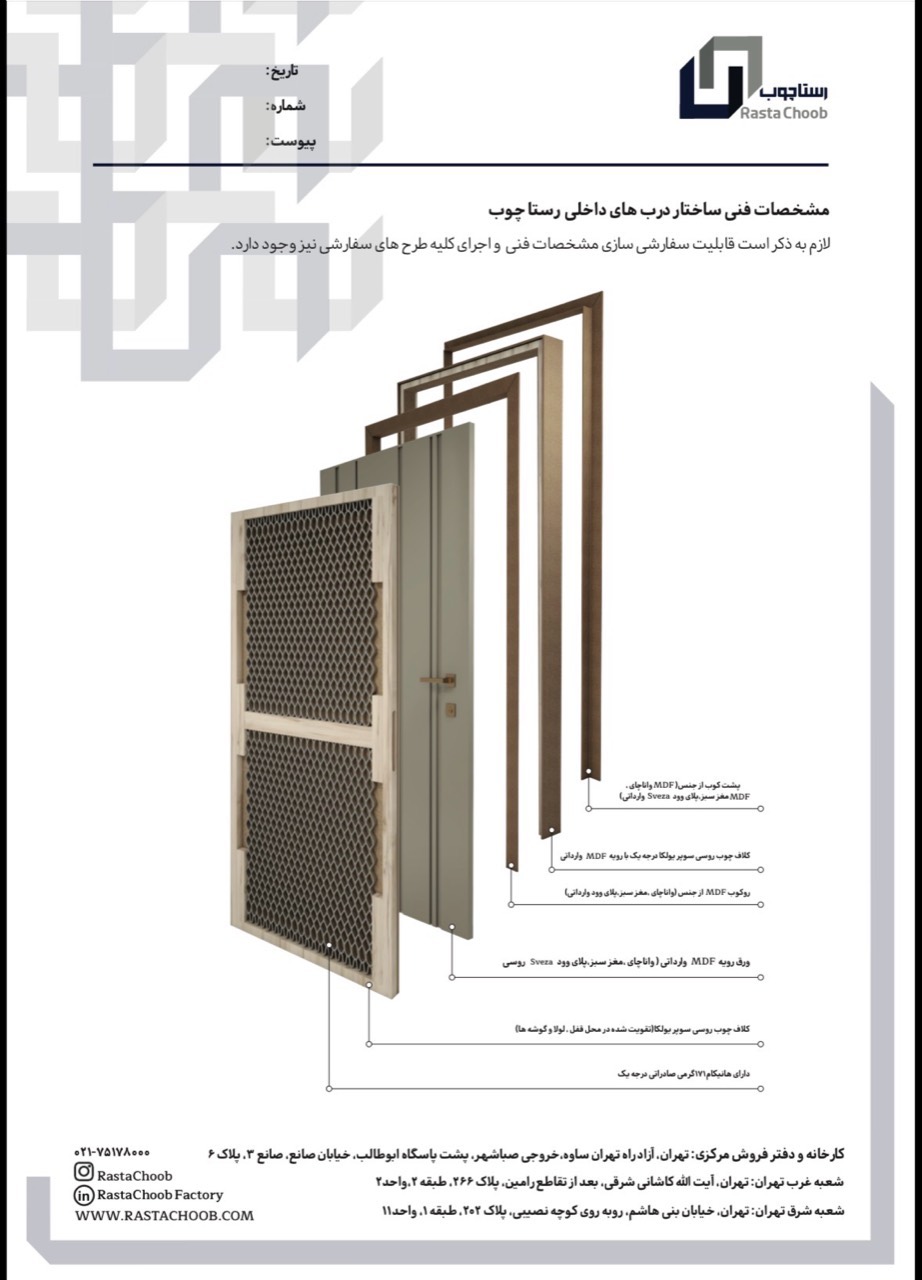
An exploded view of the wooden door: timber framing, honeycomb, facing and frame components.
Explore construction and componentsRotate the RS-L017 lobby door and explore how its leaves open.
View model & details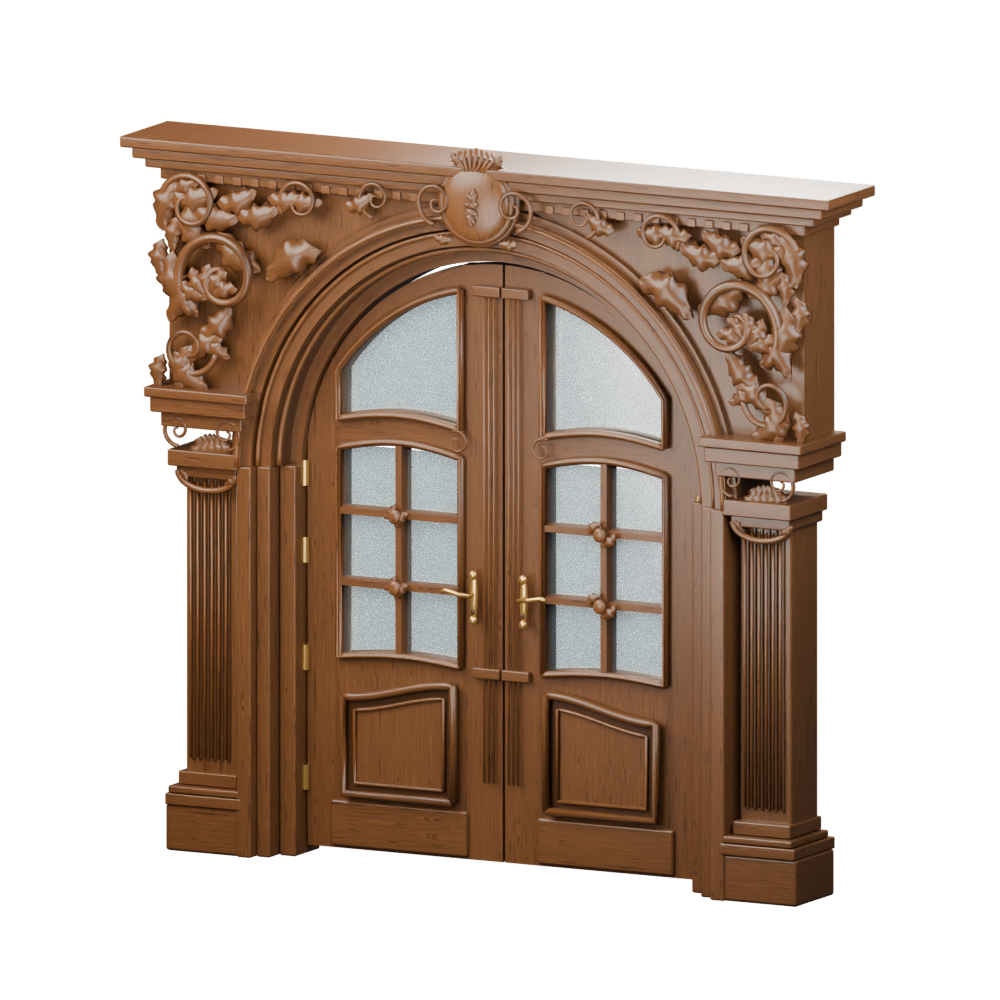 Take a closer look
Rotate the model and watch the door leaves open.
Drag to rotate. Click a door leaf or press Enter to open and close. Use the arrow keys to rotate and Home to reset.
Product catalogues, colours and veneers, and the Rasta company portfolio.
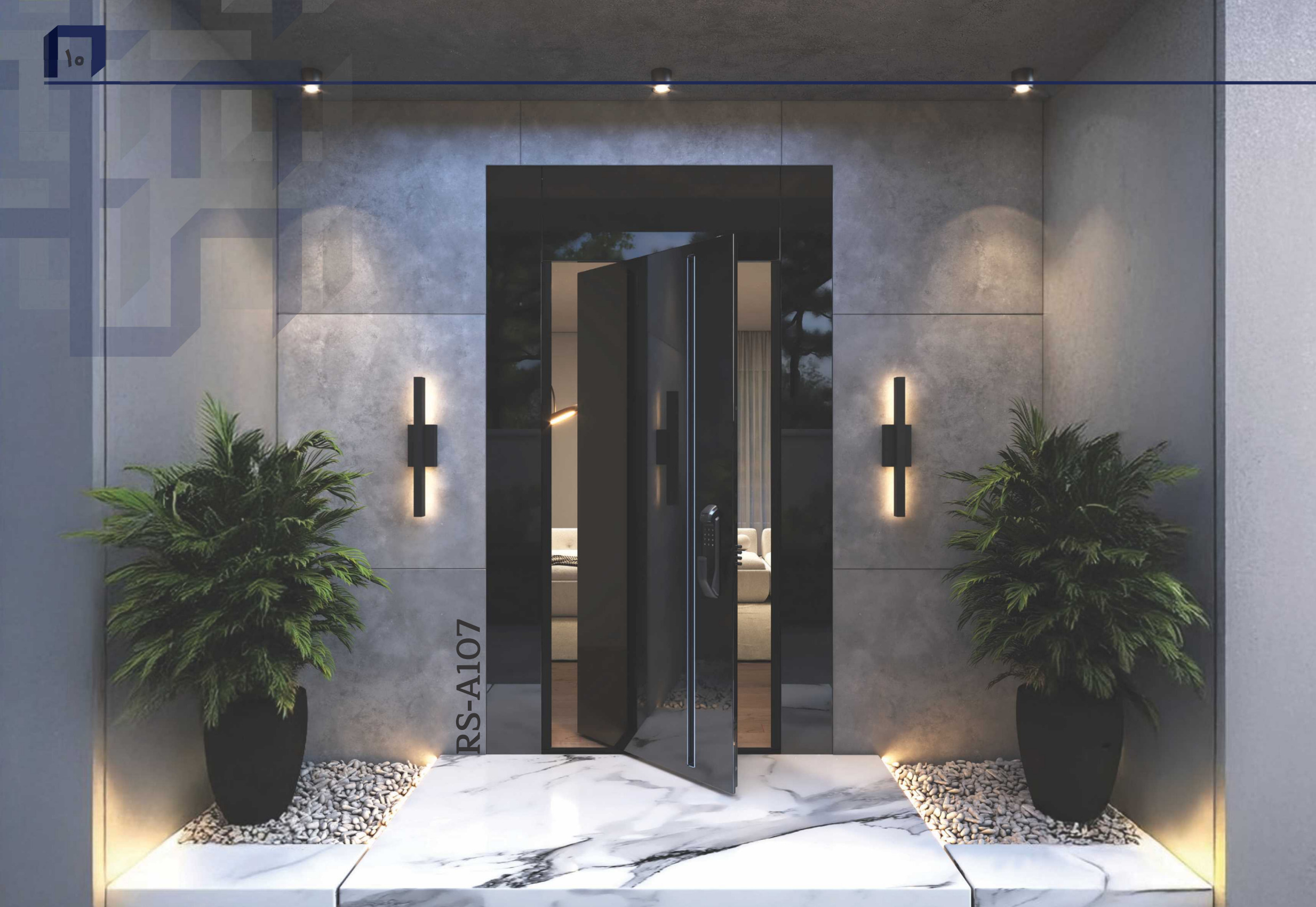
Explore security doors, wooden bedroom doors, lobby entrances and fire doors for your space. Choose a kitchen cabinet design too, then add your project dimensions to the cart to prepare a price enquiry.
About RastaPractical answers about dimensions, door types and requesting a quote.
Read Rasta Choob guides ↗Security door with width 116 and height 215 cm will be added to the cart. You can make the width and height smaller or larger in the basket; The dimensions entered are for order review.
Select “Door and frame” in the cart. “Door leaf only” and “Door and architrave” are separate options; specify the configuration you want for a price enquiry.
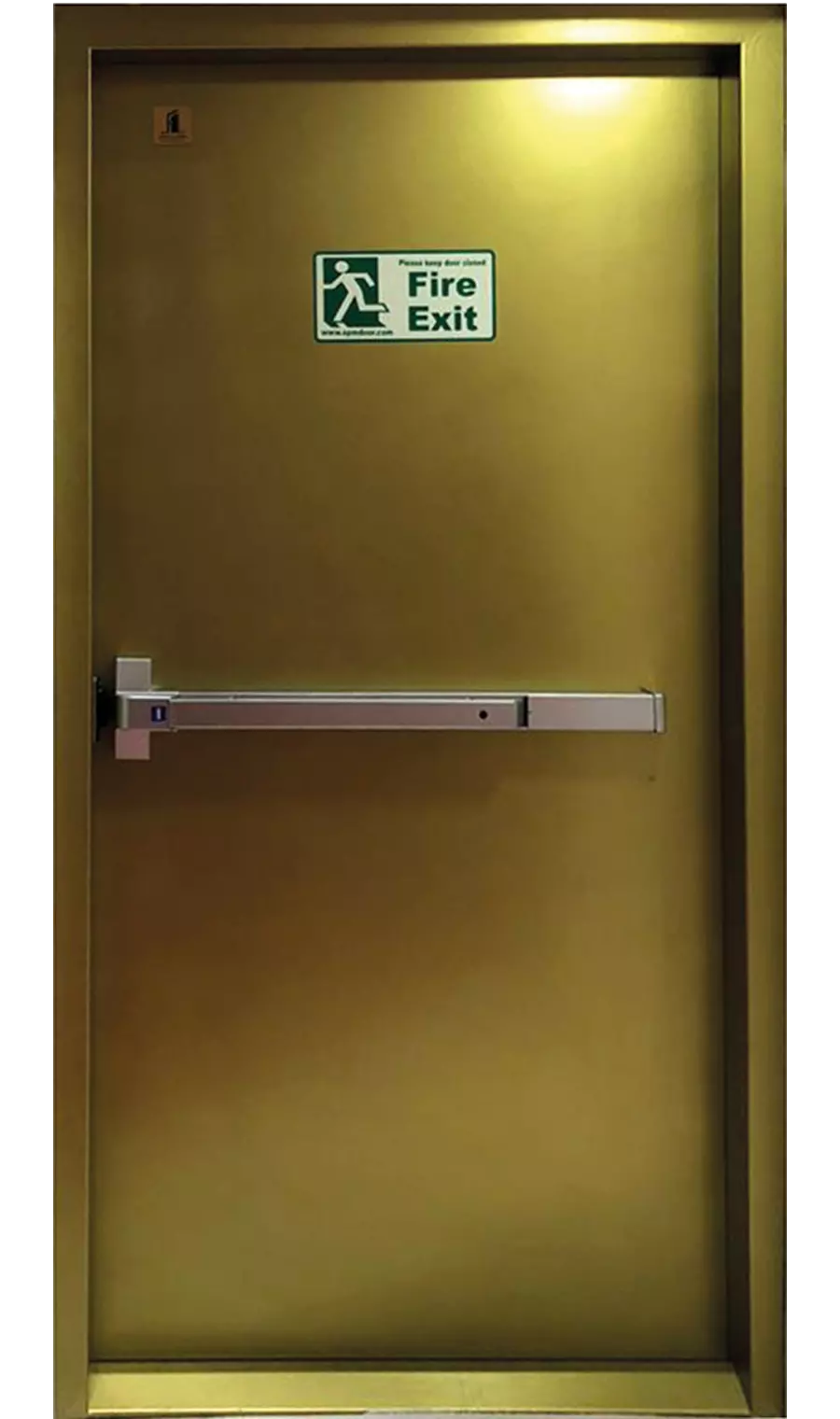
Lobby door dimensions are optional. Fire-rated door with width 110 and height 210 comes to cart and is editable. The choice for the staircase or other location should be checked with the needs and specifications of the project.
Specify the model, quantity, dimensions and details in the basket and contact Rasta Choob for price inquiry. The amount is not announced in this version and the basket is your selection list.
Choose a catalogue design and add it to your cart. The approximate sizes for base cabinets, wall cabinets, the island and a built-in wardrobe are optional. Use the model notes for your preferred colour or style.
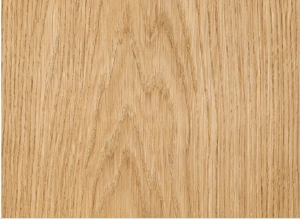
Explore product catalogues, the colour and veneer guide, and the Rasta company portfolio in their own collections.
See pages Rasta Choob and door selection tools.